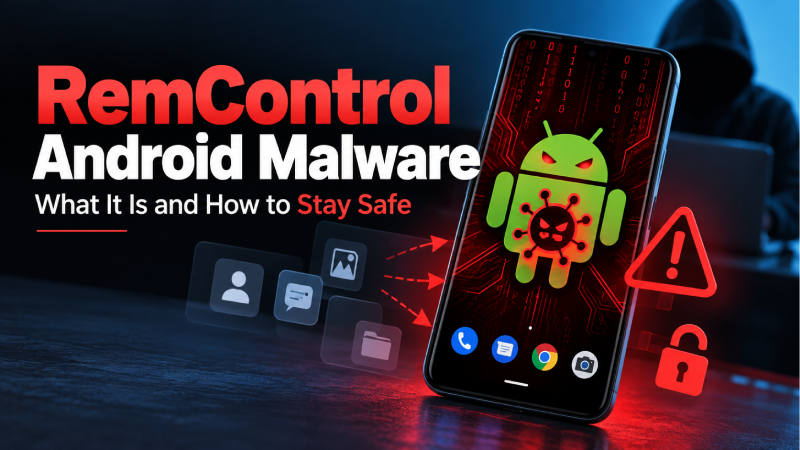
A newly documented Android banking trojan called RemControl is using fake app download pages and Android permissions to target banking users. Researchers at Group-IB found that the malware can display fake banking screens, capture sensitive information and remotely interact with infected devices.
The campaign is currently associated with targets in Western Europe, the Middle East and Canada. Group-IB identified phishing overlays for more than 30 financial institutions across Italy, France, Spain, Poland, Portugal, Canada and some Gulf Cooperation Council countries.
For Android users, the important lesson is simple: be extremely careful when installing apps from websites that imitate Google Play or when an unfamiliar app requests powerful Accessibility permissions.
What Is RemControl Android Malware?
RemControl is an Android banking trojan that researchers discovered in 2026.
According to Group-IB, the malware is distributed through fake Google Play pages that impersonate the TVTap IPTV application. Once installed, RemControl asks for Android Accessibility Service access. If that permission is granted, the malware can interact with the device and monitor activity.
Researchers first observed RemControl samples in July 2026, while related infrastructure had been active since May.
The malware operates as a malware-as-a-service platform, meaning its infrastructure appears designed to support different campaigns and affiliates rather than being a simple one-off malicious application.
How Does RemControl Spread?
One of the main distribution methods identified by researchers involves fake Google Play pages.
The pages imitate the appearance of an official app download page and use the TVTap IPTV application as a lure.
A user may encounter the malicious page through advertising or another online link and be encouraged to download an Android APK.
Group IB documented malvertising as one of the delivery channels and found that some campaigns used location and device checks before presenting the malicious download.
This is why downloading an Android app from an unfamiliar website can be risky, particularly when the page looks similar to Google Play.
What Can RemControl Do?
RemControl has several capabilities that make it particularly concerning.
1. Display Fake Banking Screens
The malware can monitor which application is active on the device.
When a targeted banking application is opened, RemControl can display a malicious overlay that looks like the legitimate banking interface.
The fake screen can be used to collect information such as:
- Banking PINs
- Mobile banking codes
- Card expiry information
- Login credentials
The legitimate banking application can appear again after the information is submitted, potentially making the attack less obvious to the victim.
2. Monitor the Device Screen
Researchers found that RemControl can capture screenshots and transmit screen information.
It can also collect information about visible interface elements through Android’s Accessibility Service.
This gives the operator a detailed view of activity taking place on the compromised device.
3. Capture User Interactions
RemControl can monitor accessibility events such as clicks, text changes and selections.
According to Group IB’s analysis, the malware can also inject certain types of input through Android’s accessibility capabilities.
4. Resist Removal Attempts
Another notable feature is its self-preservation mechanism.
The malware monitors activity related to application management, accessibility settings and factory-reset screens.
When it detects certain attempts to reach these areas, it can use Android accessibility actions to navigate away from the screen.
This does not mean that an infected phone is permanently impossible to reset or clean. It means the malware is designed to make ordinary removal attempts more difficult.
Why Is RemControl Different From Ordinary Android Malware?
The technical capabilities themselves are not entirely new.
Android banking malware has previously abused accessibility permissions, overlays and remote-control functionality.
What makes the RemControl investigation particularly notable is the infrastructure behind the malware.
Group IB found evidence suggesting that an AI assistant was used during development of parts of the malicious infrastructure. Researchers even found an AI-generated response left inside one of the phishing pages.
The researchers also found exposed API documentation containing references to “quiz” functionality and parental monitoring, apparently disguising the actual purpose of the infrastructure.
This is an important development because AI can potentially reduce the effort required to create or modify malicious software. However, claims about exactly how the developer used AI should be treated as findings from Group IB’s investigation rather than as independently established facts.
Which Countries Are Being Targeted?
Group IB identified active phishing overlays for more than 30 financial institutions across:
| Region | Countries/areas identified |
|---|---|
| Europe | Italy, France, Spain, Poland, Portugal |
| North America | Canada |
| Middle East | GCC member states |
Italy and France appeared to be the main targets in the first observed campaigns.
There is currently no evidence in the cited research that India is among the confirmed target regions.
That does not mean Indian Android users should ignore the threat. Malware distribution campaigns can change, and the researchers noted that the malware supports more than 30 languages and could potentially expand geographically.
How to Protect Your Android Phone From RemControl
The best protection is to reduce the opportunities malware has to get installed and obtain powerful permissions.
Download Apps From Trusted Sources
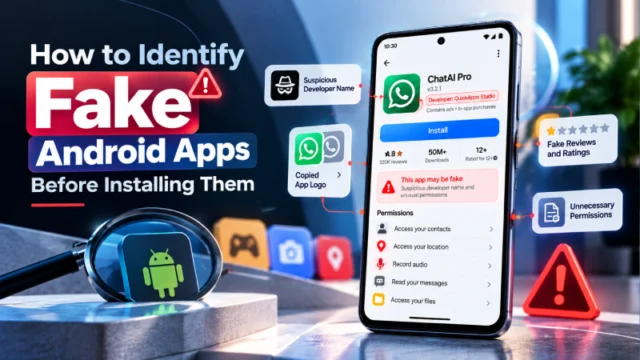
Avoid installing APK files from random websites, advertisements or unofficial download pages.
A website that looks like Google Play does not necessarily belong to Google.
Be Careful With Accessibility Permissions
Accessibility Services are legitimate Android features, but they provide powerful capabilities.
Be suspicious if an unfamiliar application asks you to enable Accessibility access without a clear reason.
Don’t Install Apps From Suspicious Links
Be particularly cautious with links received through:
- SMS
- Social media
- Messaging apps
- Pop-up advertisements
- Unknown websites
- Fake update notifications
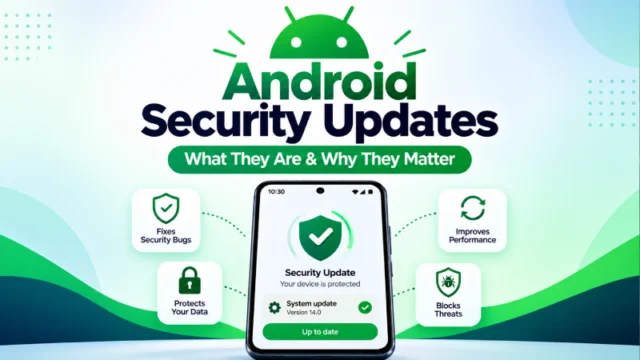
Keep Android Updated
Install Android security updates when they become available for your device.
Security updates can address vulnerabilities and improve the platform’s defenses.
Keep Google Play Protect Enabled
Don’t intentionally disable security features to install an application.
RemControl’s dropper was specifically documented as attempting to interfere with Google Play Protect during installation.
Review Installed Applications
Periodically check your installed apps.
Remove applications that you don’t recognize or no longer need.
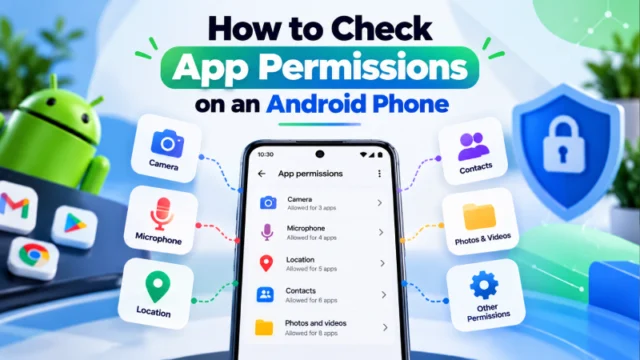
Check Accessibility Permissions
If you suspect an unfamiliar app has obtained Accessibility access, review the Accessibility settings on your Android phone and investigate any unexpected service.
The exact menu name can vary by Android version and manufacturer.
Watch Your Banking Accounts
If you believe your phone has been compromised and you entered banking credentials into a suspicious application or screen, contact your bank through its official channel immediately.
Don’t use a phone number or link provided by the suspicious application.
What Should You Do If You Think Your Phone Is Infected?
If you suspect that an Android phone has been compromised:
- Stop using the device for banking.
- Contact your bank through its official website or app on a trusted device.
- Change important passwords from a trusted device.
- Review recent banking transactions.
- Check installed applications and permissions.
- Install available Android security updates.
- Consider professional assistance if the malware cannot be removed normally.
- If financial credentials may have been exposed, tell the relevant financial institution immediately.
Do not assume that simply uninstalling one suspicious application has solved the problem if the device shows continued unusual behavior.
Frequently Asked Questions
What is RemControl malware?
RemControl is an Android banking trojan documented by Group IB in September 2026. It can abuse Android Accessibility Services, display phishing overlays and remotely interact with an infected device.
How does RemControl infect Android phones?
Researchers found RemControl being distributed through fake app download pages that impersonated Google Play and used the TVTap application as a lure.
Can RemControl steal banking information?
Yes. According to Group IB’s research, RemControl can display phishing overlays targeting banking applications and capture sensitive information such as PINs and credentials.
Is RemControl targeting Android users in India?
The currently documented campaigns identified by Group IB primarily involve targets in Western Europe, Canada and the Middle East. The research does not establish India as a confirmed target region at this time.
How can I protect my Android phone from RemControl?
Avoid installing APK files from unknown websites, keep Android updated, leave Google Play Protect enabled, and be cautious when unfamiliar applications request Accessibility permissions.
What should I do if I installed a suspicious APK?
Stop using the device for banking, contact your bank through an official channel, review your installed apps and permissions, change important credentials from a trusted device, and seek professional assistance if you suspect the device remains compromised.
Final Takeaway
RemControl demonstrates how modern Android banking malware can combine familiar techniques such as phishing overlays and Accessibility abuse with more sophisticated remote-control capabilities.
The most important protection for everyday users is still basic security hygiene: download applications from trusted sources, review powerful permissions carefully, keep Android updated and never enter banking information into a suspicious app or webpage.
The investigation also highlights a broader trend: cybercriminals are increasingly experimenting with AI-assisted development and automation. That does not make every AI system a security threat, but it does make defensive awareness increasingly important.
Sources